OSE Digiflow Affiliation Manual
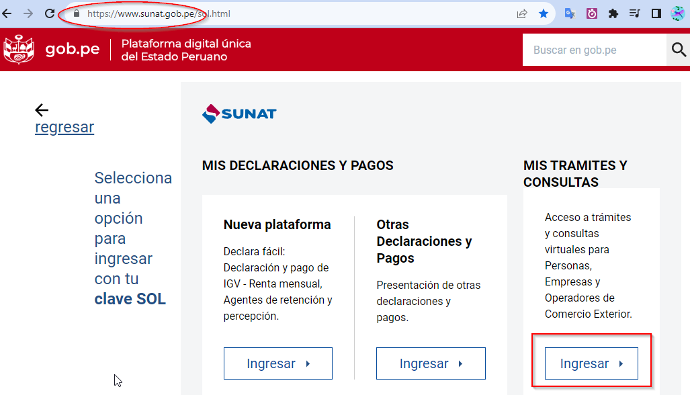
Step 1: Log in to SUNAT SOL
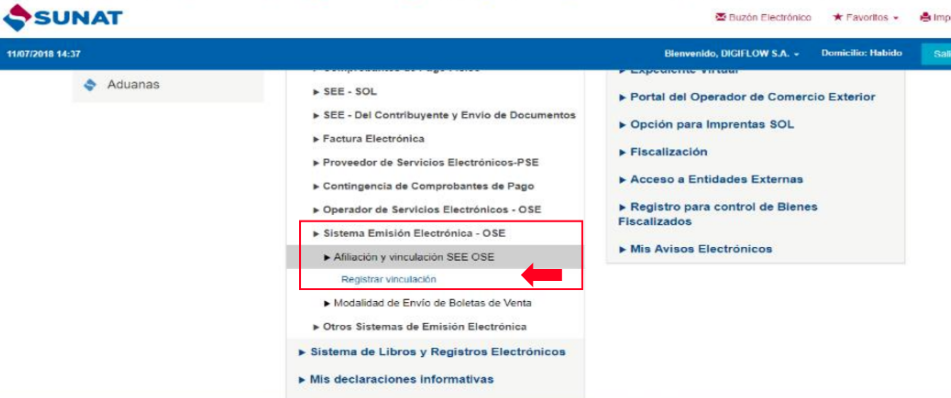
Log in to the SOL portal and, under the "Electronic issuance system" - OSE option, click "SEE OSE affiliation and linking", then click "Register affiliation". As shown in the following image.
Step 2: Link OSE Digiflow
Enter the RUC of Digiflow S.A.: 20600948131, along with the "Start of Sending Authorization" date, and click the "Accept" button. We recommend entering the date on which you register, since the Go-Live date may be later. As shown in the following image.

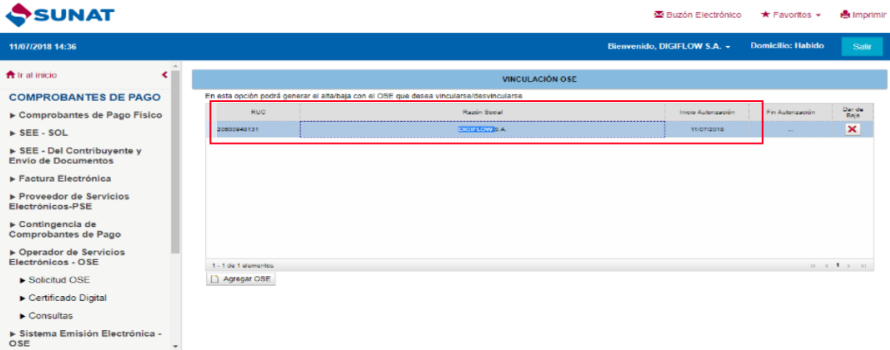
Step 3: Verify registration
Verify that Digiflow's RUC is registered as shown in the following image (this registration process takes 24 hours).